In an era where we spend more time doom-scrolling than actually doing, Clicks has just dropped a bombshell that might change your daily carry. Most of us know Clicks for their quirky iPhone keyboard cases, but their latest announcement shifts them from an accessory maker to a serious hardware player.
I’ve been following the “physical keyboard” revival for a while, and the new Clicks Power Keyboard and Clicks Communicator feel like a breath of fresh air in a world of glass slabs. Here is everything you need to know about these new productivity tools.

The Clicks Power Keyboard: A Swiss Army Knife for Your Desk
First up is the Power Keyboard. If you’ve ever tried to type a long email on an iPad or struggled to enter a complex password on your Apple TV using a remote, you’ll understand why this exists. It’s essentially a MagSafe-compatible Bluetooth keyboard that doubles as a power bank.
What I love about this is the “Batwing” mode. You can slide the keyboard out into a landscape orientation, which is a game-changer for spreadsheets or document editing. It’s universal, meaning it works with iPhone, Android, and even VR headsets like the Apple Vision Pro or Meta Quest.
The Clicks Communicator: The Second Phone You Didn’t Know You Needed
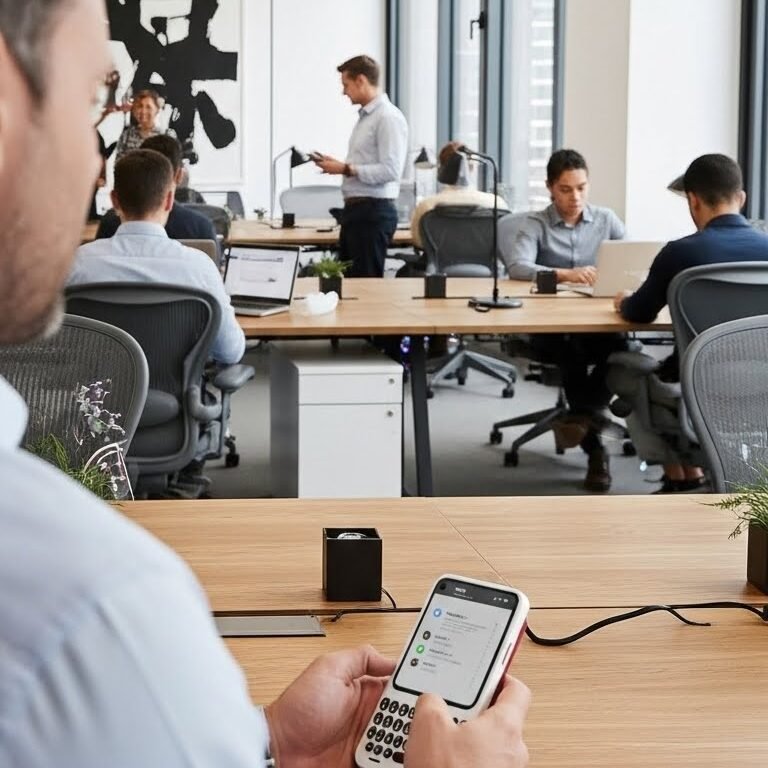
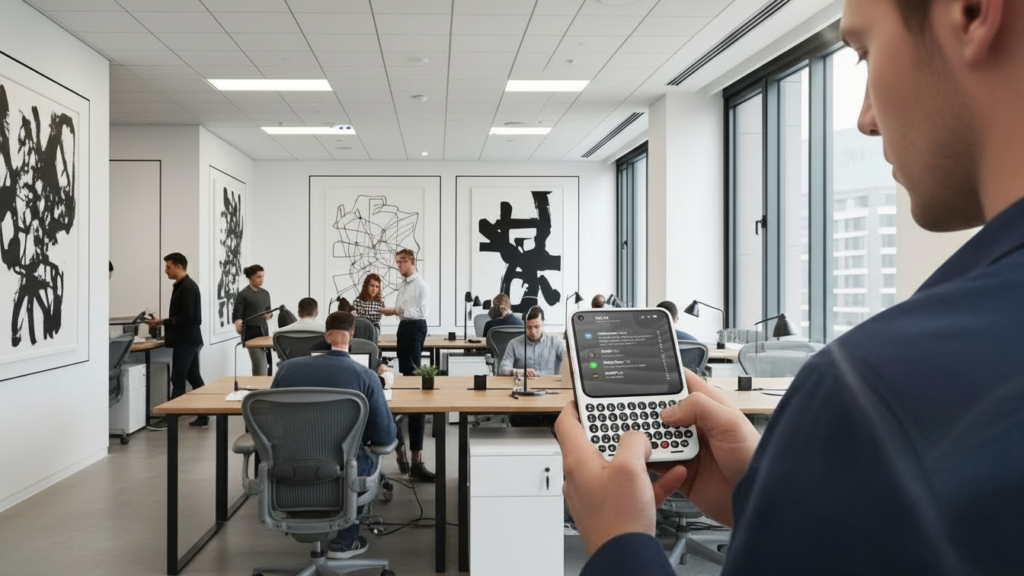
The real showstopper is the Clicks Communicator. This isn’t meant to replace your primary smartphone; it’s a “companion phone.” Think of it like a Kindle for an iPad. While your main phone is for high-end photography and media, the Communicator is purpose-built for one thing: getting work done without the noise.
It runs a custom version of Android (co-created with Niagara Launcher) that prioritizes messages over app icons. It features a stunning tactile keyboard with keys 30% larger than previous models. Plus, it brings back two features we all miss: a 3.5mm headphone jack and microSD card storage.
Pros:
- Tactile Satisfaction: Both devices offer a premium clicky feel that virtual keyboards can’t touch.
- Reclaims Screen Space: By moving the keyboard to hardware, you get 100% of your screen back for content.
- Productivity Focused: The Communicator’s “Signal Light” and “Kill Switch” help you triage notifications without getting sucked into social media.
- Versatility: The Power Keyboard’s ability to swap between multiple Bluetooth profiles is a lifesaver for multi-device users.
Cons:
- The “Two-Phone” Problem: Carrying a second device for communication might feel like overkill for the average user.
- Bulk: While compact, these add extra weight and thickness to your pocket.
- Price: At $499 (launch price) for the Communicator, it’s a premium investment for a secondary device.
| Feature | Clicks Power Keyboard | Clicks Communicator |
| Connectivity | Bluetooth (Multi-profile) | Android OS / LTE / Wi-Fi |
| Input | QWERTY Slider + Number Row | Touch-sensitive Physical Keyboard |
| Battery | Built-in (Powers device + Phone top-up) | Internal Rechargeable |
| Storage | N/A | Expandable via MicroSD |
| Audio | N/A | 3.5mm Headphone Jack |
| Compatibility | iOS, Android, Tablet, VR, Apple TV | Standalone / Companion Phone |
| Special Features | MagSafe Mount, Slider Mechanism | Signal Light, Kill Switch, Message Hub |
Is it Worth the Click?
As someone who misses the “get-it-done” era of the Blackberry, the Clicks Communicator feels like a love letter to power users. It’s not for everyone, but if you’re tired of the distractions on your main phone and want a dedicated tool for Slack, WhatsApp, and emails, this is a compelling setup. The Power Keyboard, on the other hand, is a no-brainer for anyone who works on the go.
Clicks is proving that buttons aren’t just a nostalgic gimmick—they are tools for action.
Clicks Communicator, Clicks Power Keyboard, Bluetooth Keyboard for iPhone, Best secondary phone 2026, Physical keyboard phone, Productivity tech, Mobile office gear, Tech review 2026.